I Made a Game That Replicates Beat Saber — But on Mobile VR!
Step-by-step instructions for creating a Beat Saber clone on mobile VR with Unity on a budget.

Ever wanted to play Beat Saber but couldn’t justify spending a ton of money on a VR headset? Let me show you how I brought this popular game to life on a budget using just mobile VR.
The Challenge: Expensive VR Headsets
VR headsets like Meta Quest, Oculus, or the Apple Vision Pro can cost a fortune. Not everyone can afford them, and that’s a big barrier for those who want to enjoy VR gaming. So, I decided to make my own version of Beat Saber using a cheap mobile VR headset. I bought one that came with a remote, but when it arrived, the remote turned out to be trash — only two buttons worked. Still, I was determined to make it work!
Step-by-Step: Building the Lightsaber Game
Step 0: Setting Up the Project
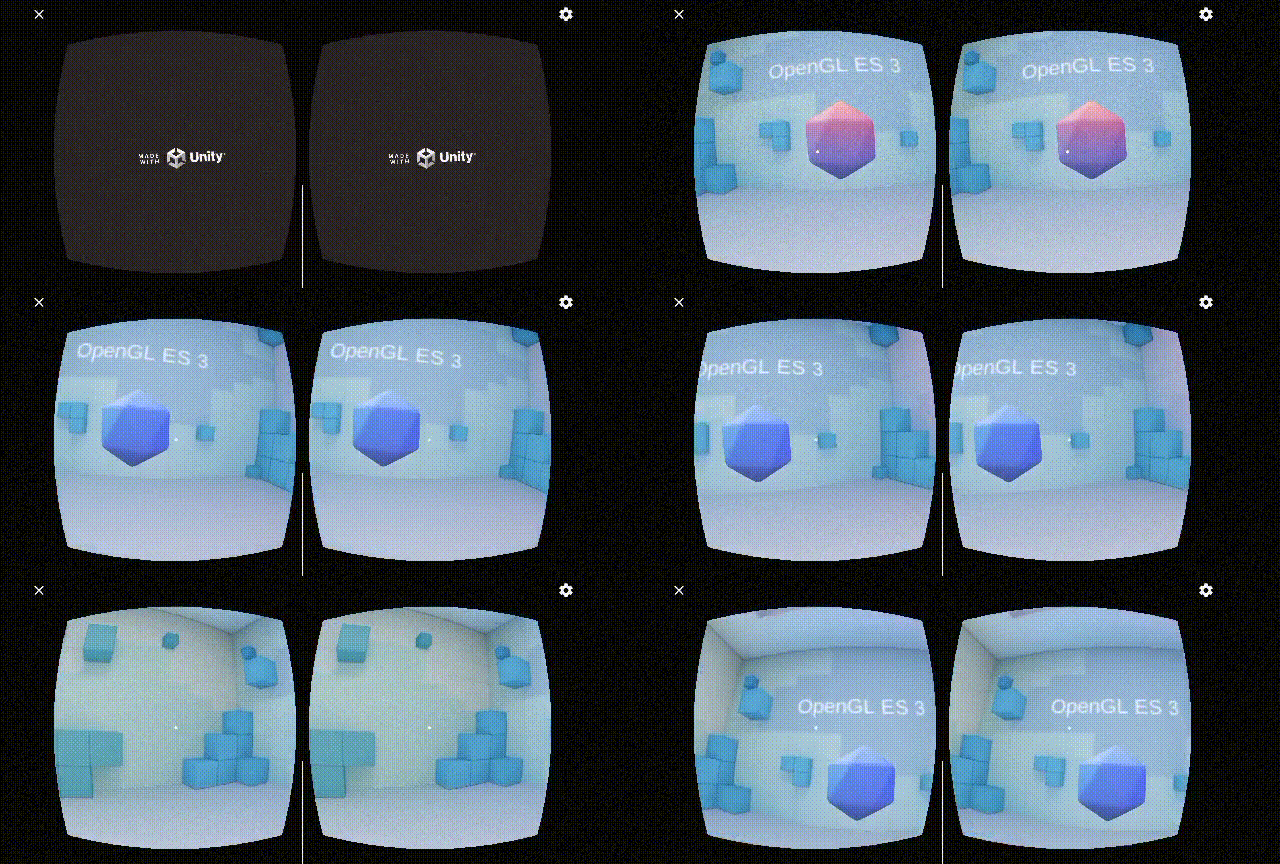
The first step was choosing a game engine, and Unity was the obvious choice because I’m already familiar with it. I used Unity version 2021.3.43f1. To implement the VR, I started by integrating the Google Cardboard SDK, which allowed me to set up VR cameras in my scene. After creating the first build with a sample scene, I was thrilled to see that it worked perfectly!
This Tutorial Helped me a lot setting up this project 👇
When I built the first test with a sample scene, it worked perfectly!
Creating a New GVR Emulator
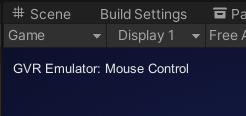
Since the original Google VR emulator was deprecated, I had to create my own GVR simulator to handle camera rotations. This allows testing VR interactions without a physical headset. I used a simple script that uses the mouse and keyboard for input.
Here’s the code for my custom GVR Emulator:
using UnityEngine;

public class GVREmulator : MonoBehaviour
{
    public float rotationSpeed = 3.0f;
    private bool isRotating;

    void Update()
    {
        if (Input.GetKey(KeyCode.LeftControl) || Input.GetKey(KeyCode.RightControl))
        {
            float mouseX = Input.GetAxis("Mouse X");
            float mouseY = Input.GetAxis("Mouse Y");

            RotateCamera(mouseX, mouseY);
            isRotating = true;
        }
        else
        {
            isRotating = false;
        }
    }

    void RotateCamera(float mouseX, float mouseY)
    {
        float rotationX = mouseY * rotationSpeed;
        float rotationY = mouseX * rotationSpeed;

        transform.Rotate(-rotationX, rotationY, 0);
    }

    void OnGUI()
    {
        // Display a message when Ctrl is held down and the mouse is moving
        if (isRotating)
        {
            GUI.Label(new Rect(10, 10, 200, 30), "GVR Emulator: Mouse Control");
        }
    }
}
This script lets me use the mouse to look around in the game while I’m developing and testing, just like how you’d move your head in VR. By holding the control key, I can move the camera with the mouse, making it easy to test without using a VR headset every time. It’s a quick and helpful way to check how things work.
Problem Solved: Testing the Remote
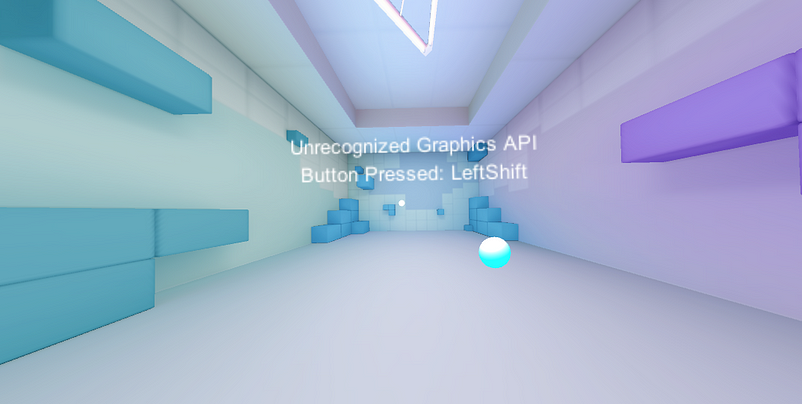
To check which buttons were working, I wrote a simple C# script that showed which button was pressed on a text display in the game. This also helped me test the cheap VR remote that connects via Bluetooth. Not surprisingly, only two buttons worked, but I was ready to move forward without relying on it.
using UnityEngine;

public class ButtonPressController : MonoBehaviour
{
    public TextMesh textMesh;
    void Update()
    {
        if (Input.anyKeyDown || true)
        {
            foreach (KeyCode keyCode in System.Enum.GetValues(typeof(KeyCode)))
            {
                if (Input.GetKey(keyCode))
                {
                    textMesh.text = "Button Pressed: " + keyCode;
                }
            }
        }
    }
}
Step 1: Setting Up the Lightsaber
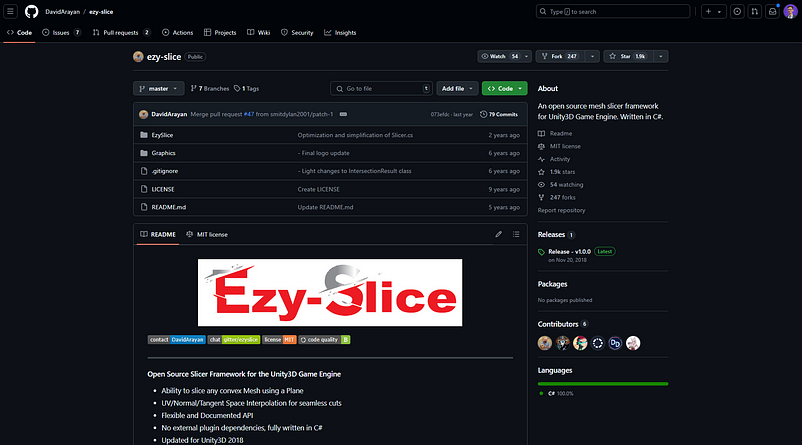
I made a platform for the player and added a lightsaber. I positioned it to slice incoming blocks and added colliders so it could detect when it hit other objects. For the slicing mechanics, I used the EzySlice Framework, which made slicing easy. I added some test cubes, and sure enough, the lightsaber sliced through them beautifully, dividing them into two pieces with a satisfying particle effect using Unity’s Particle System.
Step 2: Spawning the Blocks
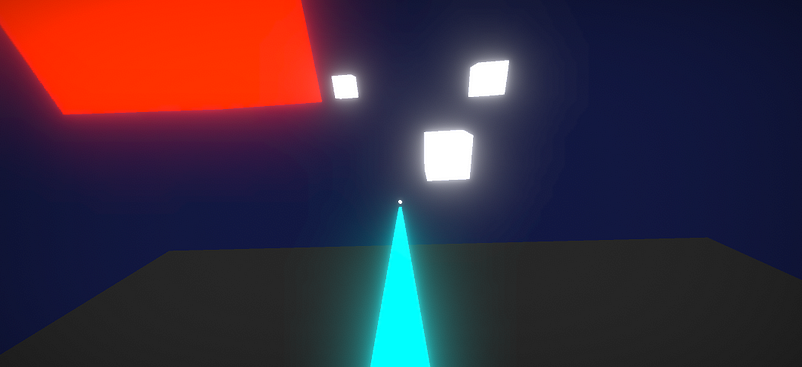
Then came the real fun. I created a scene where endless cubes spawn and rush towards the player. The player can rotate their head to move the lightsaber and slice the cubes mid-air. I wrote a C# script that continuously spawns cubes, directs them towards the player, and deletes them from the scene after a few seconds to keep everything running smoothly without overwhelming the system.
Final Touches: Adding Score and Game Modes
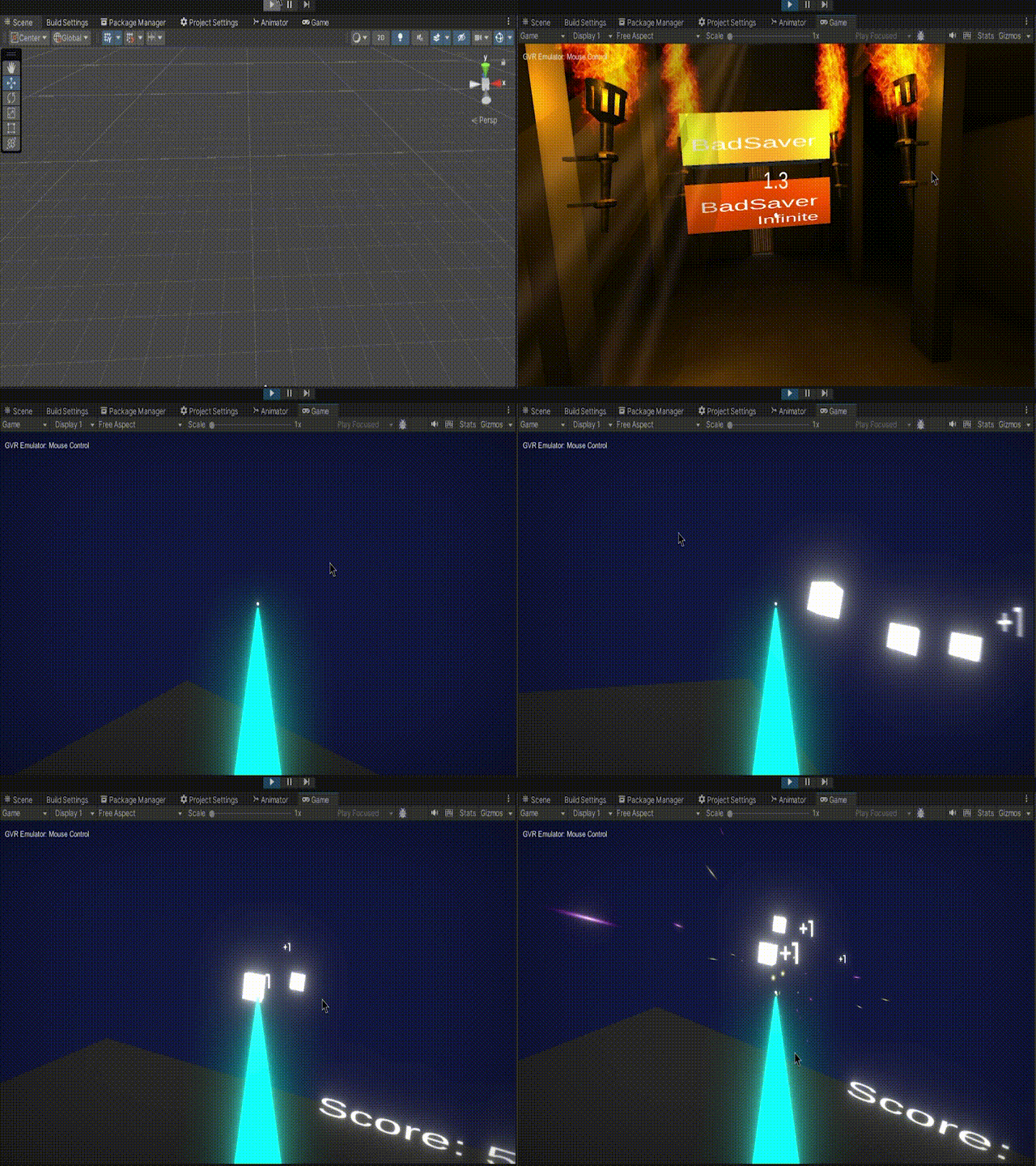
Finally, I added a user interface with Unity Canvas, including score and high score systems via C# scripts. I also created a main menu with two modes:
Game Over Mode: Miss 10 blocks, and it’s game over.
Infinite Mode: Slice as many blocks as you want without limits.
Since the phone is mounted in the headset, I couldn’t rely on touch inputs. So, I made a script that lets the player select menu options by looking at them for 3 seconds. This was done using raycasting to track where the player is looking, with a countdown to show when a button will be pressed.
Wrap-Up
To sum it up, I successfully created a mobile VR version of Beat Saber using Google Cardboard and Unity. Despite the hiccups with the cheap remote, I was able to deliver a fun and engaging experience without breaking the bank. If you’re looking to try VR gaming without the high costs, this project shows that all you need is some creativity and determination. Ready to take on your own VR challenge? Grab a budget headset and start slicing!

